Gifty is now on the web
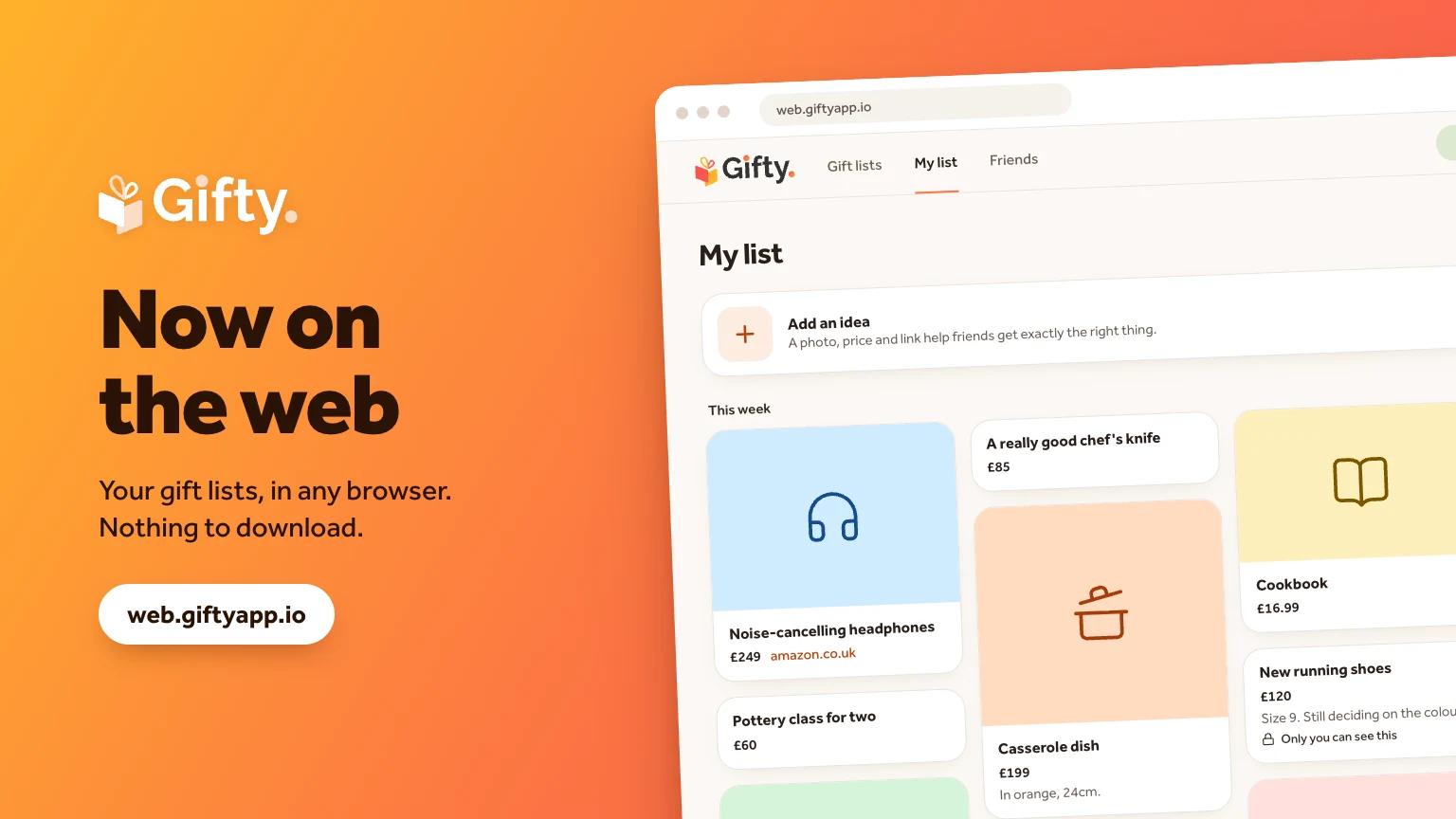
You can now use Gifty in a browser, at web.giftyapp.io. There's nothing to download. Open it on a laptop, a tablet or a phone and sign in.
Why we built it
Until now Gifty was only a mobile app. That was a problem every time someone shared a list with a friend who didn't have it installed, or who just wanted a quick look from their desk. Asking people to download an app before they can see a wishlist is a lot.
The web app fixes that. If you can open a link, you can use Gifty.
What you can do
Everything the lists are for:
- Keep your own list. Add an idea with a name, and a photo, price, link or note if you have them.
- See your friends' lists. Browse what they'd like and add suggestions of your own. They can't see what other people suggest for them.
- Mark things as bought. Everyone else sees it's taken, so nobody doubles up. The person the gift is for doesn't.
- Keep ideas private. Hold on to an idea until you're ready to share it.
- Make lists for anyone. Keep a private list for someone who isn't on Gifty, like your mum.
- Find friends and see birthdays coming up.
Tap any gift to open it and see the full details.
It's the same Gifty
The web app and the mobile app share one account. Add an idea on your laptop and it's on your phone, and the other way round. Your lists, friends and bought gifts are all the same.
For now, the web app signs you in with Google. If you use Gifty on your phone with a Google account, sign in with the same one and everything will be there.
Try it
Go to web.giftyapp.io and sign in. If you'd rather have it on your phone, the app is still on the App Store and Google Play.
It's new, so if something doesn't work or you think something's missing, tell us at contact@giftyapp.io.